Print bleed ensures your background colors and artwork extend all the way to the edge of your finished printed product without leaving unwanted white borders.
For the best result, we recommend setting up your file with a 2mm bleed area around your artwork and keeping all important text inside the safe trim zone. This ensures that even if minor shifting occurs during the cutting process, your final print looks clean, sharp, and professional.
Step 1: Set Your Dimensions & Bleed Area
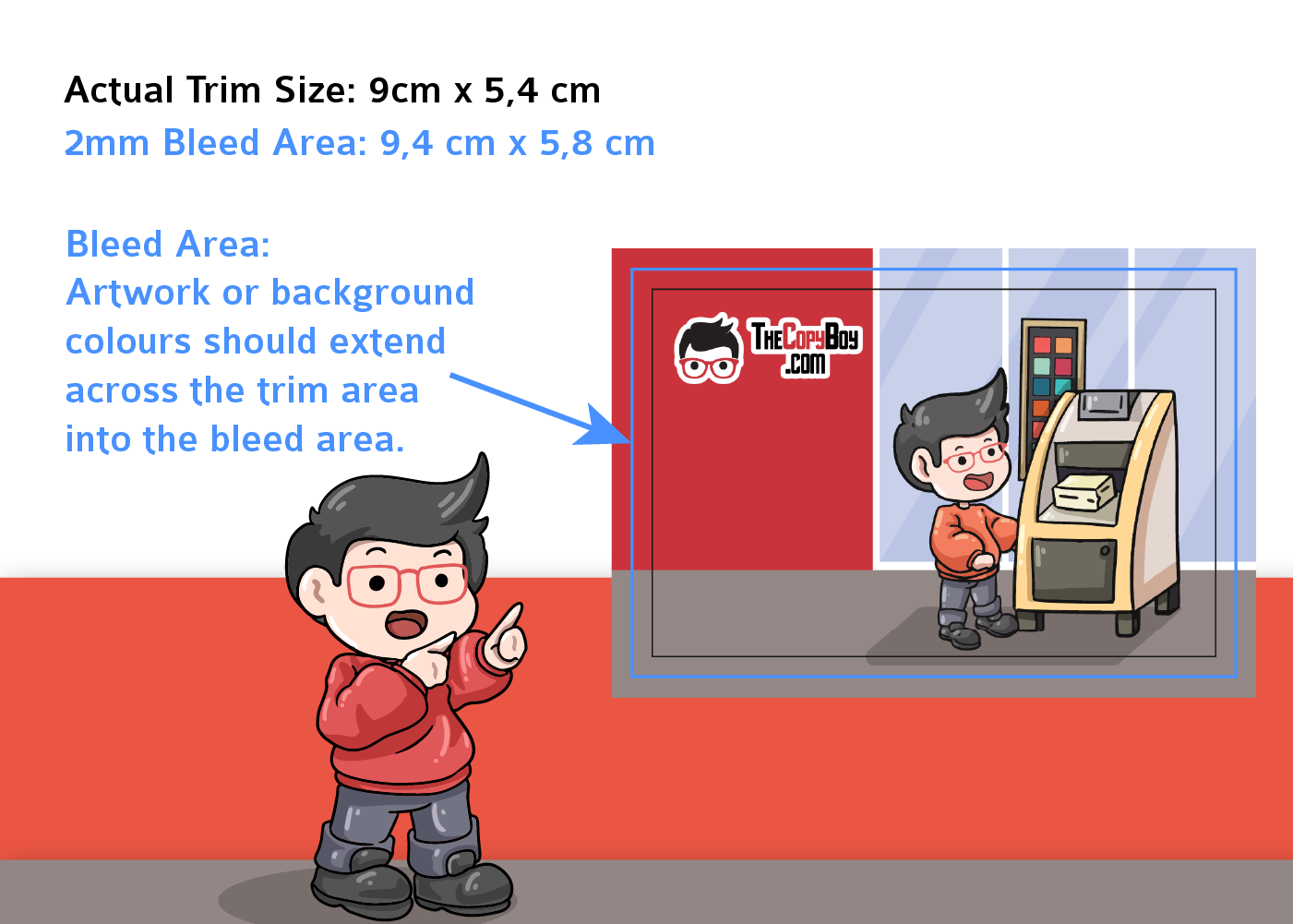
Before designing your artwork, make sure your canvas includes the extra space needed for printing and trimming.
Actual Trim Size: Set your target final size to 9cm × 5.4cm.
Bleed Area: Add 2mm on each side for a total bleed dimension of 9.4cm × 5.8cm.
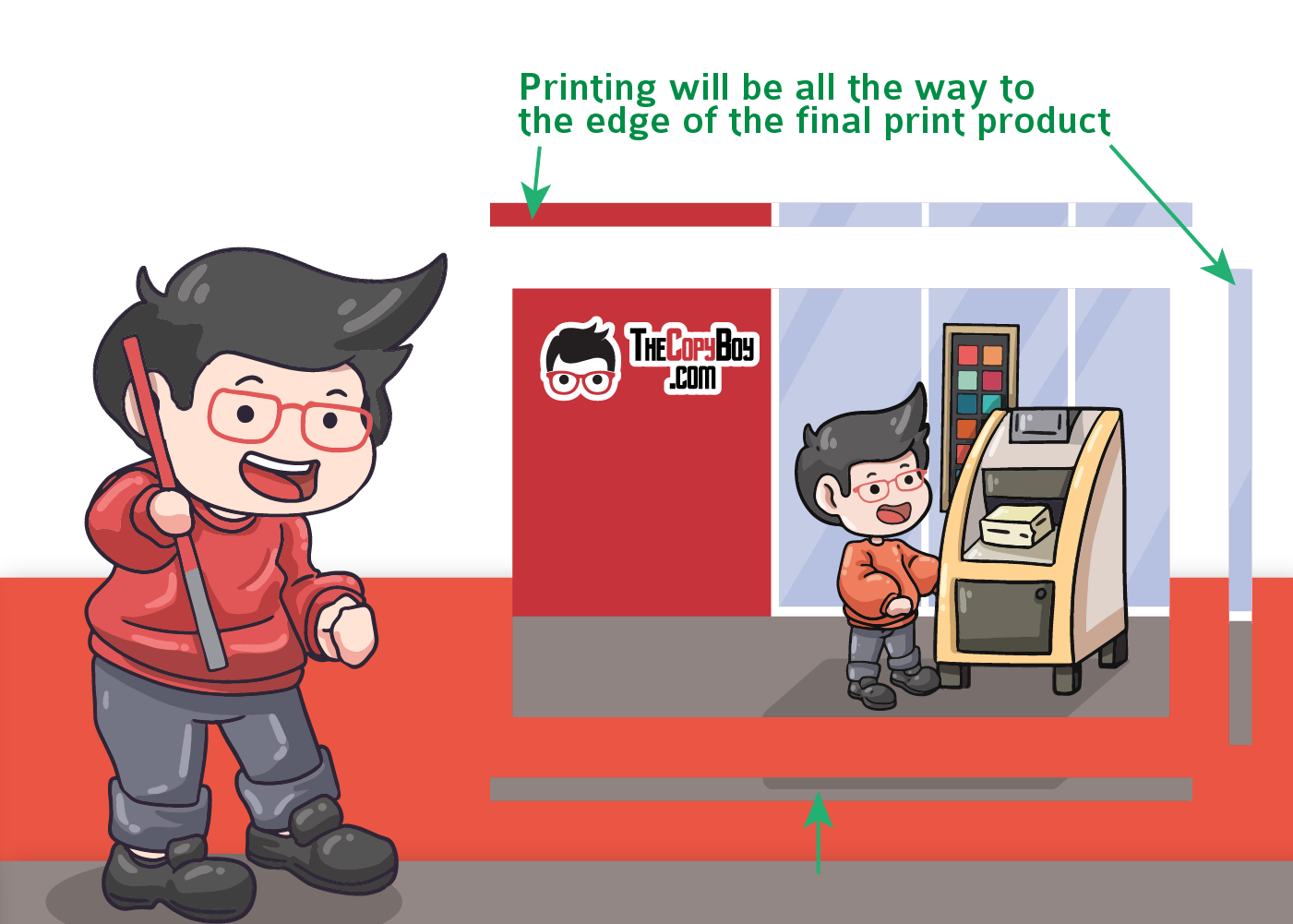
Extend Background Artwork: Ensure background colors, images, and artwork extend past the trim line into the blue bleed area.
Your background artwork must reach all the way across the trim area into the bleed area so no white paper edges show after cutting.
Step 2: Print on Oversized Stock
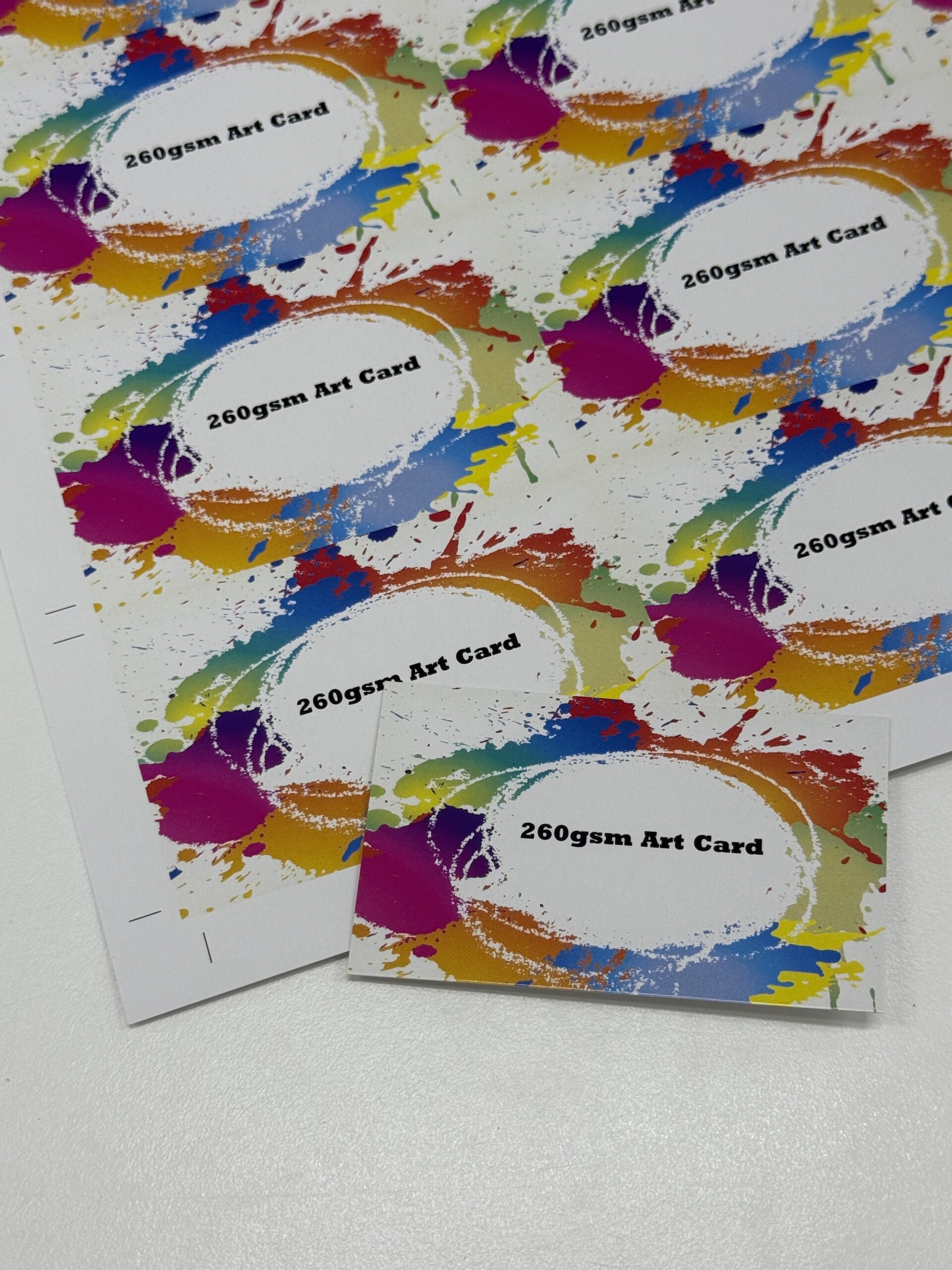
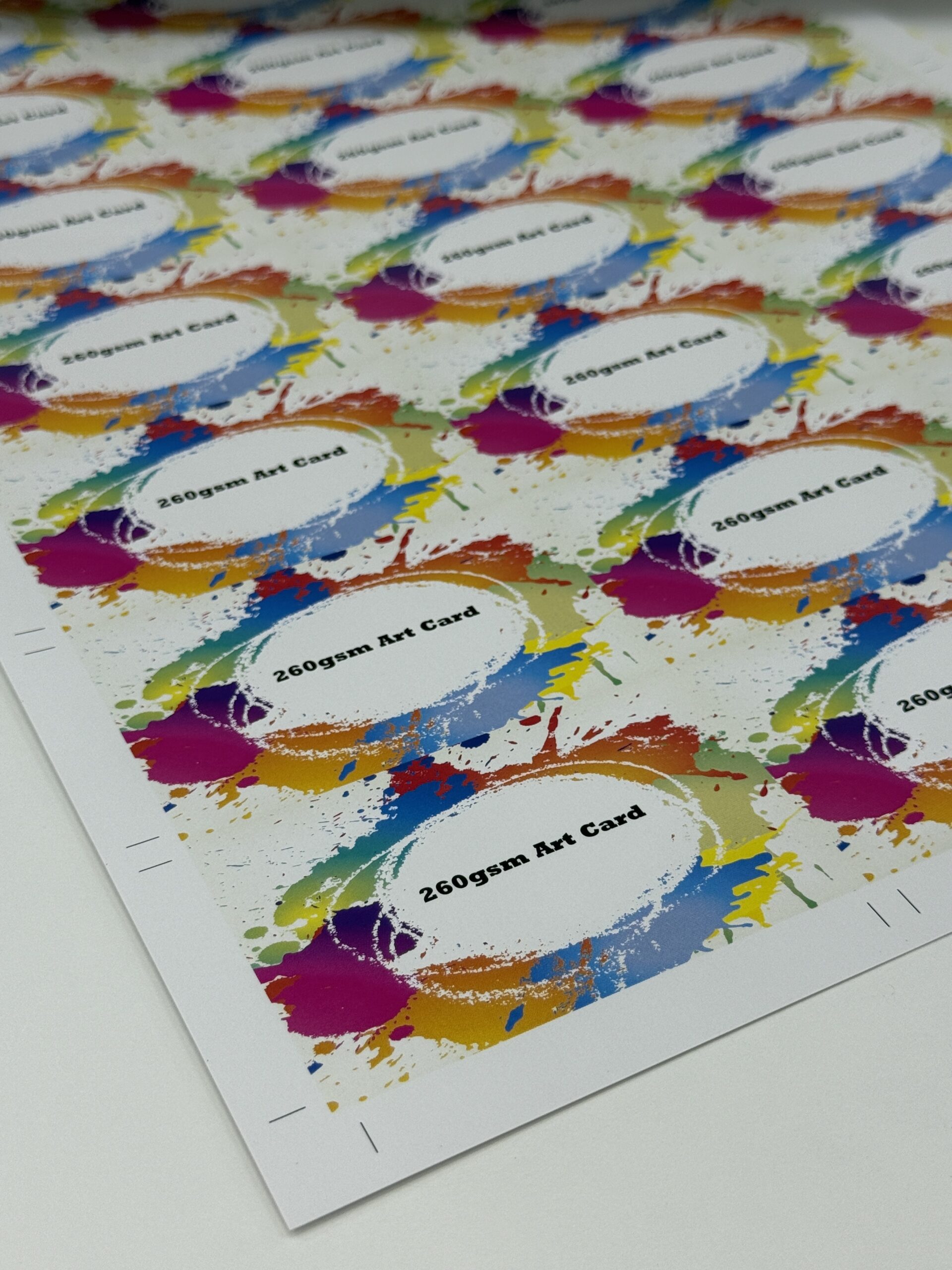
Once your design is set up with bleed, it gets printed onto larger sheets of paper or card stock.
Print Full Design: The design is printed at the oversized 9.4cm × 5.8cm dimensions.
Cover the Edge Area: Printing on a larger sheet ensures edge-to-edge ink coverage during the process.
Printing with extended bleed eliminates unprinted margins when the cards are separated.
Before / After Image Slider
THIS IS EXAMPLE AFTER
THIS IS EXAMPLE BEFORE
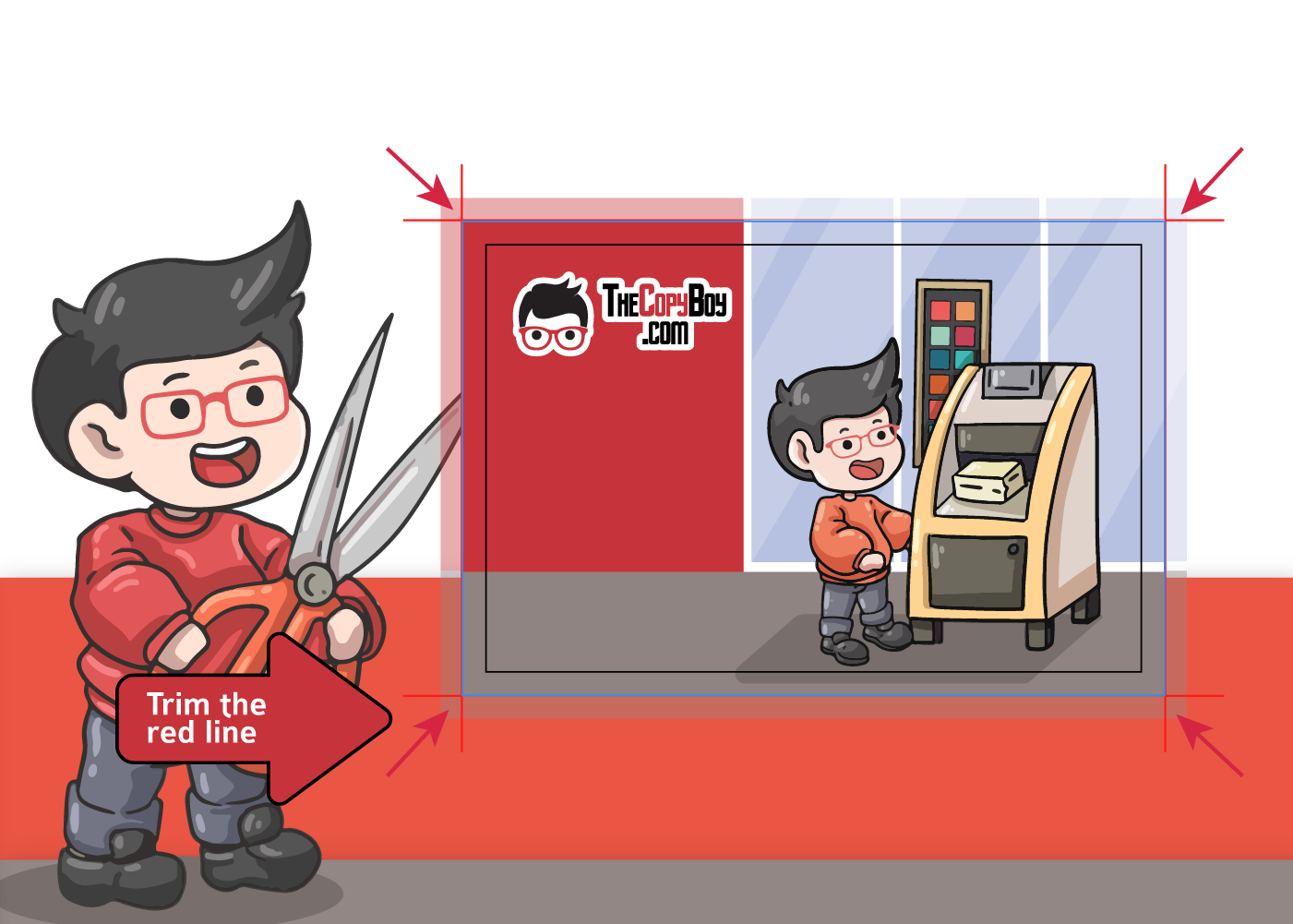
Step 3: Trim Along the Red Lines
After printing, the oversized sheet moves to the cutting machine to be trimmed down to its final size.
Align the Cutters: The cutting blade follows the exact trim lines (shown by the red arrows).
Remove Excess Bleed: The extra background color outside the trim lines gets cut away completely.
Trimming directly on the cut lines guarantees a precise finished size of 9cm × 5.4cm.
Step 4: Final Product
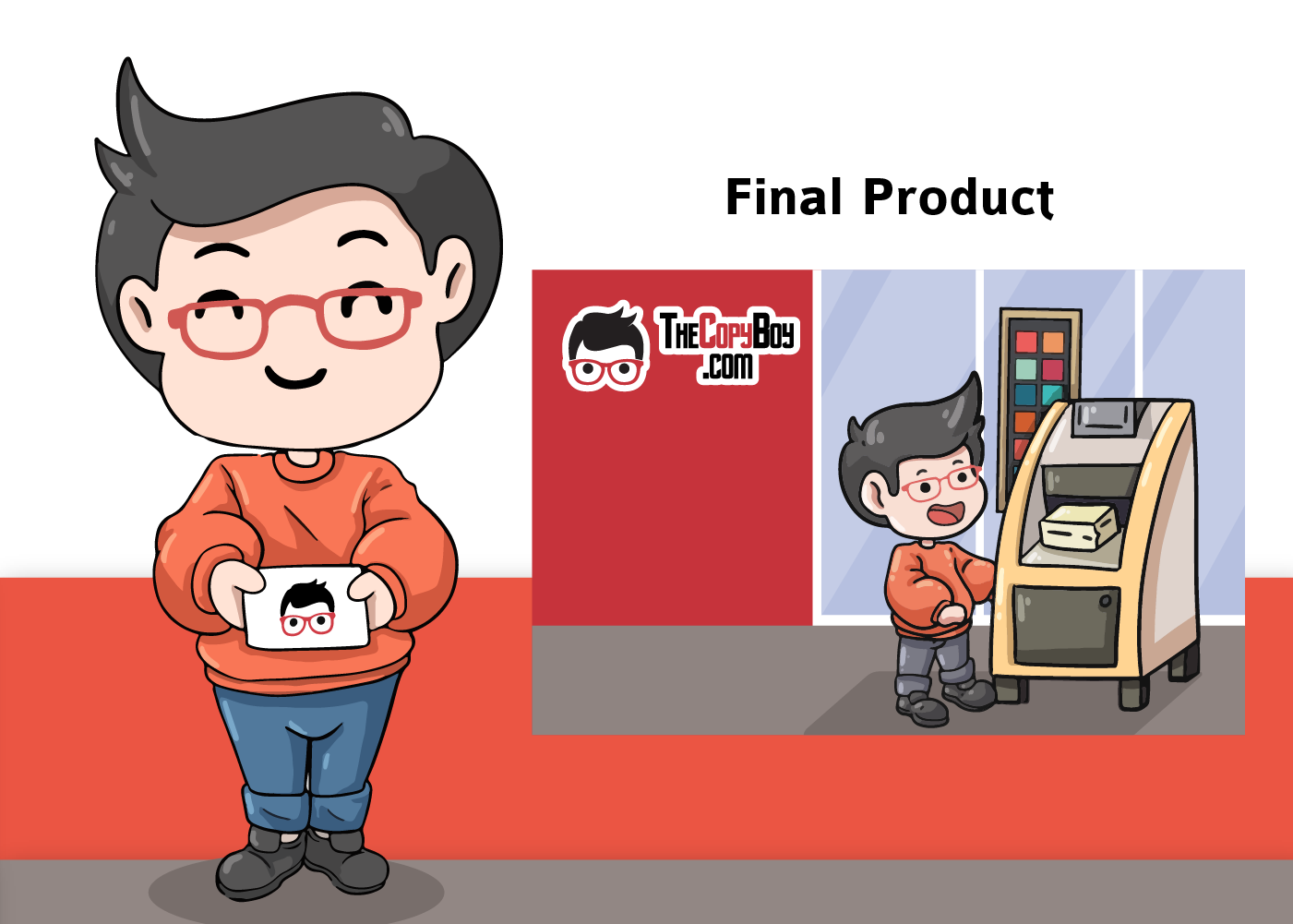
After trimming, your artwork reaches seamlessly to every single edge of the card.
Clean Borderless Edge: No white edges or unprinted gaps remain around the sides.
Ready to Use: Your final print product matches your exact design intent.