Print bleed ensures your background colors and artwork extend all the way to the edge of your finished printed product without leaving unwanted white borders.For the best result, we recommend...
A cut line tells us exactly where your sticker should be cut. For custom-shaped or die-cut stickers, the cut line should follow the outside shape of your artwork and form...
Step 1: Turn on the Bleed Guide Canva handles the math for you so you do not need to manually enter bleed dimensions; it defaults to the industry standard of...
What is a Bleed? A bleed refers to the artwork that extends beyond the final trim size of your document. Because the precision cutting equipment used in commercial printing can...
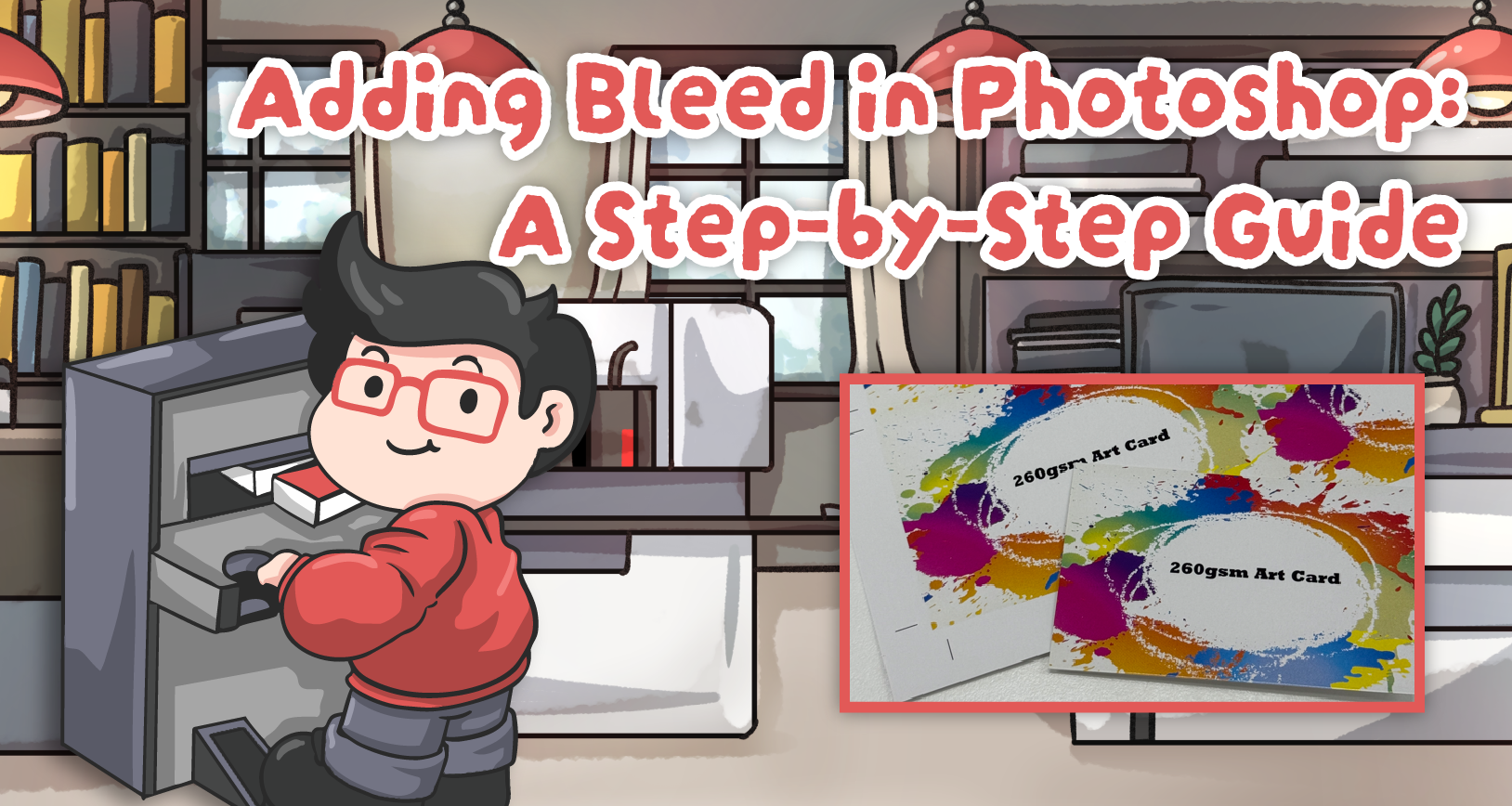
Adding a proper bleed ensures your final printed product looks professional and flawless. Here is how to easily add a 3mm bleed to an existing design using Content-Aware Fill. Step...
Understanding Our Printing Lead Times & Delivery Schedule Knowing exactly when your print order will be ready is crucial for your planning. To ensure a smooth experience, we have outlined...
How to Prepare Your Artwork for Spot UV Printing Spot UV is a fantastic way to add a premium, glossy finish to specific areas of your design—like your logo, text,...
How To Set Your UV Layer or Print in Adobe Illustrator Adding a Spot UV effect or 3D texture to your prints can significantly elevate your designs. Here is a...
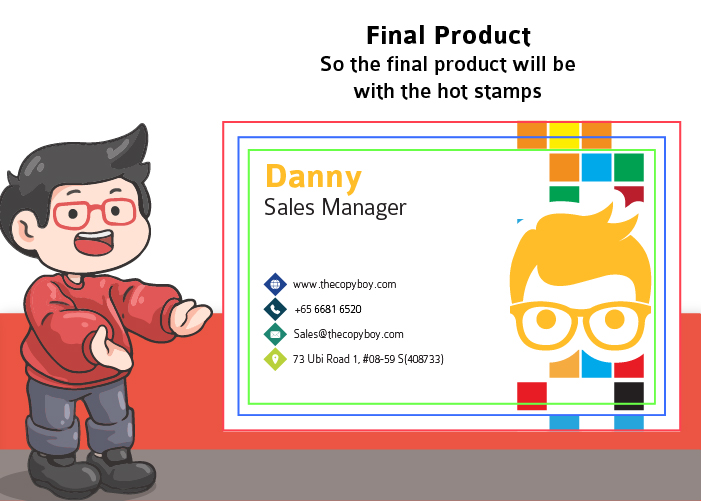
How to Prepare Your Artwork for Hot Stamping Follow these simple steps to set up your business card design files perfectly for hot foil stamping: Plan Your Design Decide exactly...